How to Create a Successful Facebook Ads Campaign
A practical guide to choosing the right objective, targeting, creatives, budgets, and optimization for real results.
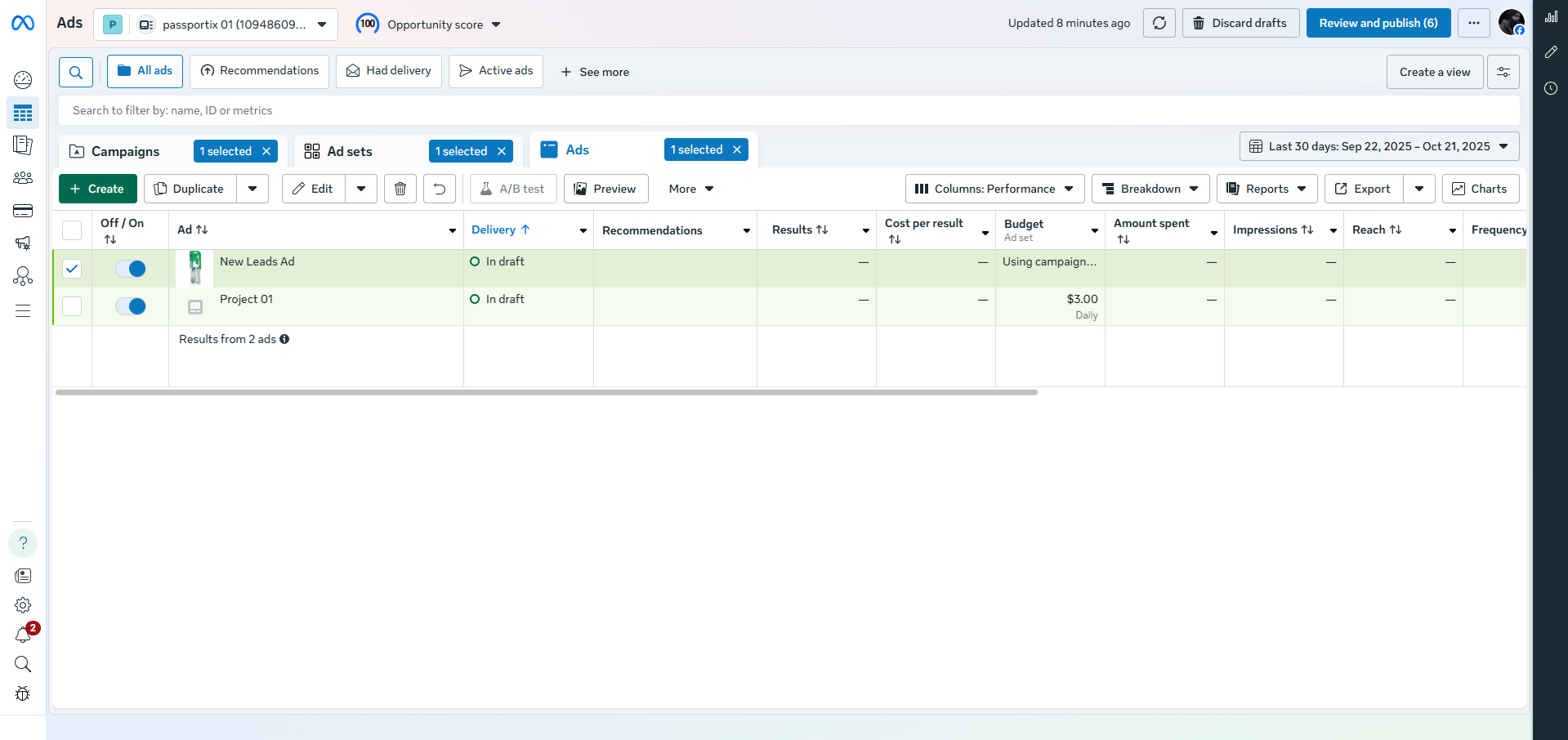
Choose objective → ad set → ad creative → optimize for outcome
Before clicking "Create", decide what success looks like. In Meta Ads Manager you choose an objective first — that choice affects optimization, delivery, and reporting. This guide walks you through every decision: objective, audience, placements, budget, creative, tracking, and post-launch optimization.
Start with the business goal, not the ad format
| Business goal | Recommended objective | Best use case |
|---|---|---|
| Brand awareness | Awareness | Reach, ad recall, local visibility |
| Website visits | Traffic | Landing pages, blog posts, store visits |
| Messages, comments, video views | Engagement | Messenger/Instagram/WhatsApp, social proof |
| Lead forms, calls, inquiries | Leads | Service businesses, B2B, consultations |
| App installs | App promotion | Mobile app growth |
| Purchases, conversions | Sales | Ecommerce and conversion-focused campaigns |
Campaign structure that scales
Campaign: one business objective (e.g., Leads).
Ad Set: audience, placements, schedule, budget.
Ad: creative, copy, CTA, destination.
A common mistake is mixing very different audiences and offers inside one ad set. Keep each ad set focused so performance data is interpretable.
Build the audience in layers
Core audiences (cold traffic): Location, age range, interests sparingly — avoid stacking too many filters early.
Warm audiences: Website visitors (30–180 days), video viewers, engaged with social content.
Customer audiences: Past purchasers, email lists, lookalikes from high-quality converters.
Choose placements wisely & set budget
For most campaigns, begin with Advantage+ placements (automatic). Restrict placements only when creative is format-specific or a placement consistently underperforms.
Start budget: Enough to generate 5–10 desired actions per week. If target lead cost is $10, a weekly budget of $100–$300 gives the algorithm room to learn.
Campaign Budget Optimization (Advantage Campaign Budget) — Meta shifts spend toward better-performing ad sets. Use Ad Set Budget when you need strict spend control per audience.
Bidding: Start with Lowest Cost unless you have stable CPA data. Cost caps can reduce delivery if set too aggressively.
Create ad creative that stops the scroll
Creative usually matters more than tiny targeting tweaks. Hook in first 3 seconds, show product in use, keep text simple, use social proof, vertical format for Reels/Stories.
Copy formula that works (local/service businesses):
🔹 Problem: “Struggling to get qualified leads from Facebook?”
🔹 Result: “We helped local businesses reduce lead cost and increase inquiries.”
🔹 Offer: “Free 15-minute audit / instant quote / same-day callback.”
🔹 Proof: “Trusted by businesses in [city/industry].”
🔹 CTA: “Message us to get started.”
Configure conversion tracking before spending
Minimum tracking setup: Meta Pixel installed, domain verified, standard events (Lead, Purchase, CompleteRegistration), Conversions API (CAPI) recommended, UTM parameters. If using Instant Forms, connect to CRM for immediate follow-up.
Launch and read the right metrics
| Objective | Primary metric | Secondary checks |
|---|---|---|
| Awareness | Reach / CPM | Frequency |
| Traffic | Landing page views / CPC | Bounce rate |
| Engagement | Cost per message / engagement | Reply rate |
| Leads | Cost per lead | Lead quality, contact rate |
| Sales | CPA / ROAS | Purchase volume |
Important: CTR alone is not success. Optimize for business outcome (leads, purchases).
Optimization playbook (first 14 days)
- Days 1–3: Check delivery, tracking, broken links, form submissions.
- Days 4–7: Compare creatives; pause clear losers (30–50% higher cost with enough impressions).
- Days 8–10: Test one new variable: hook, headline, audience, or offer.
- Days 11–14: Shift budget toward winners; increase 15–30% every 24–48 hours if stable.
Common reasons Facebook campaigns fail
- Choosing Traffic when the real goal is leads or sales.
- Weak creative and hoping targeting will save it.
- Budget too small to generate enough conversion signals.
- Too many ad sets splitting learning data.
- No pixel/CAPI setup → poor optimization feedback.
- Changing targeting, budget, and creatives every day.
- Measuring clicks instead of qualified leads/appointments.
A simple campaign recipe for local service business
Quick next step in Ads Manager: if your goal is inquiries via WhatsApp/Messenger → choose Engagement → Messaging apps; if your goal is forms or calls → choose Leads, connect your form/CRM, install Pixel + CAPI, and launch with 2–3 distinct creatives and one broad local audience.
FAQs — Facebook Ads Success
Typically 3–7 days after reaching ~50 optimization events (leads/purchases). Avoid major edits during learning phase.
For local leads, $20–$40/day often works. Adjust based on target cost per lead (e.g., $20 CPL → at least $50 daily to get ~2-3 leads/day).
Yes. Without pixel, you cannot optimize for conversions or retarget. CAPI + Pixel is the gold standard.
Start with 2–4 distinct concepts (video, static, carousel). After enough data, keep top 1-2 and test new variations.
Possible reasons: audience too narrow, weak creative, budget too low to exit learning, or landing page friction. Test one fix at a time.